Records
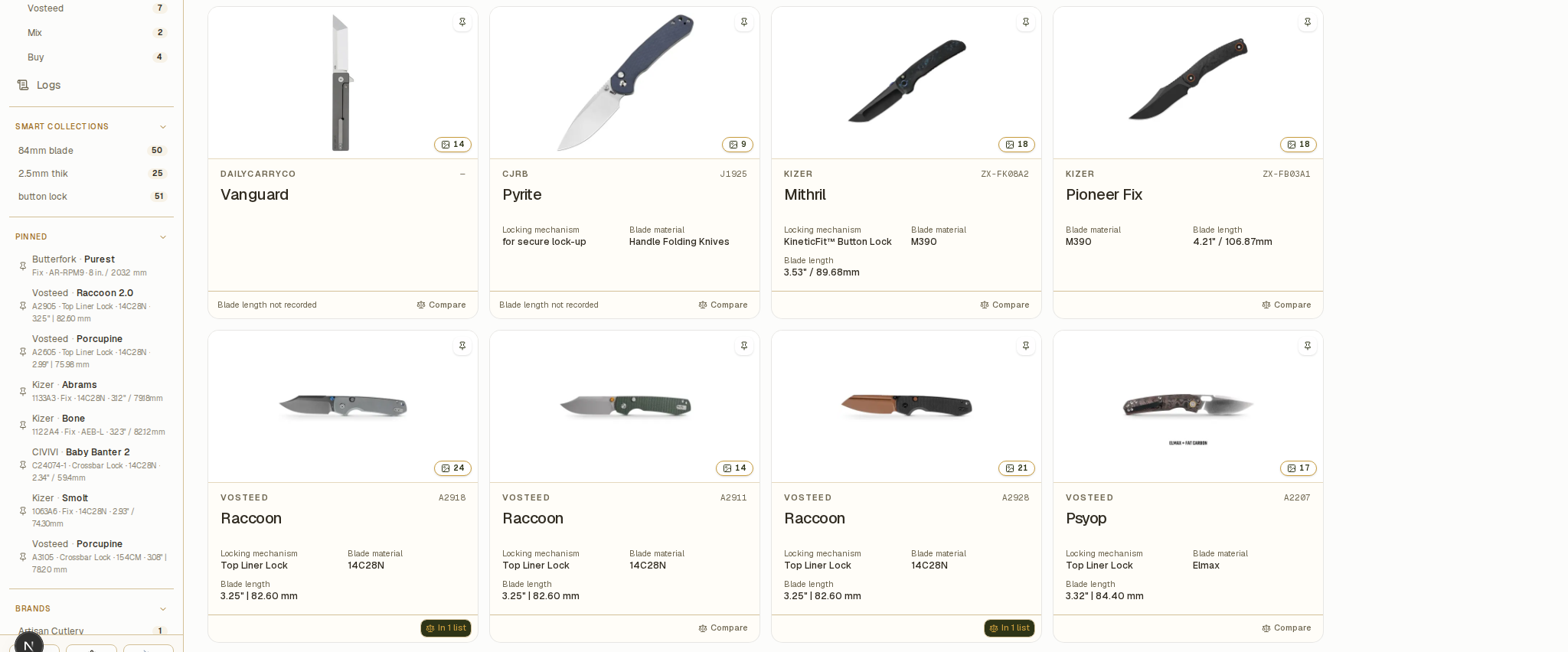
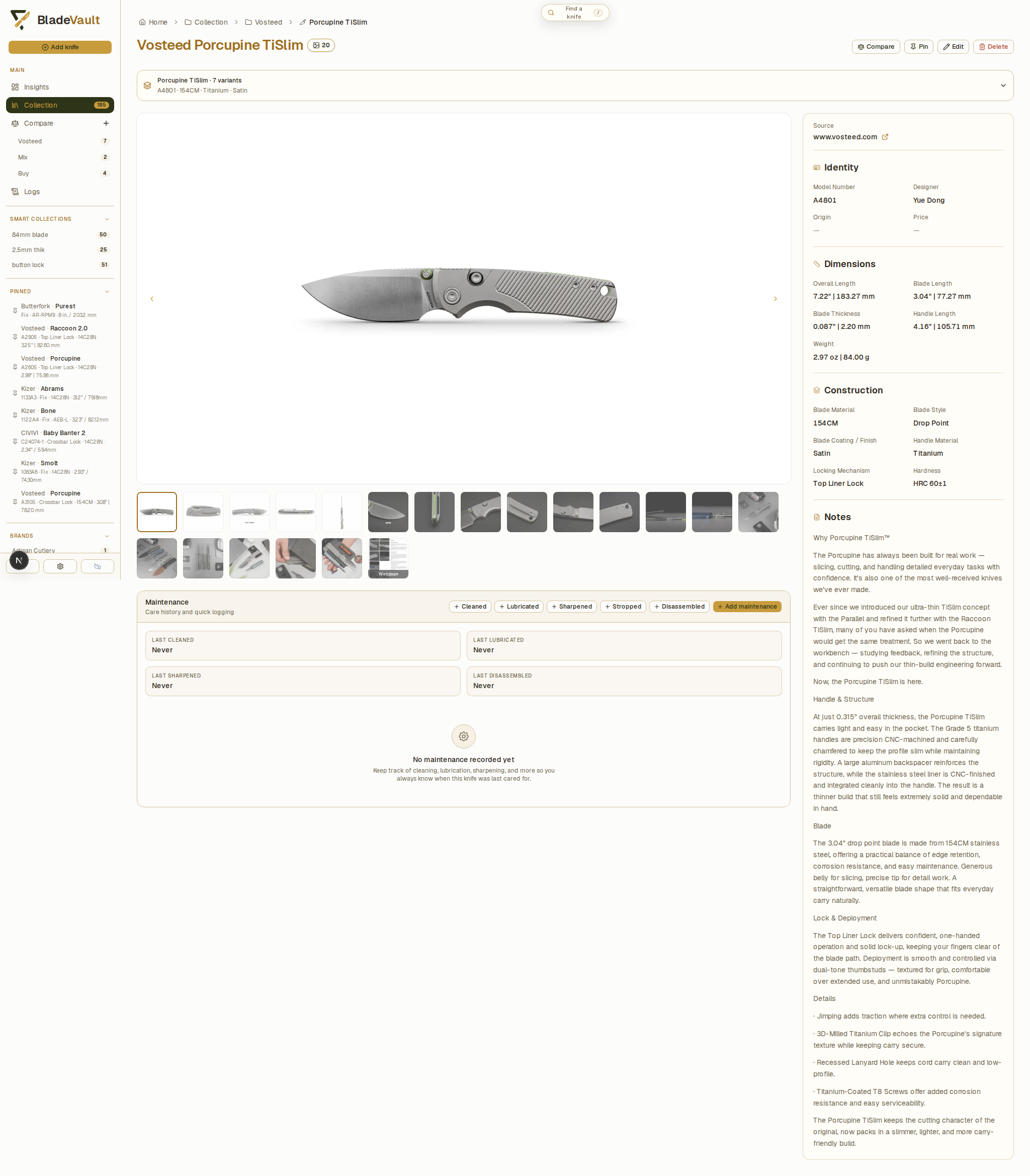
Each knife record can hold specifications, pricing, provenance, notes, links, and local photos. Add custom text, number, and date fields for details such as a preferred sharpening angle or purchase channel.
Cards and the pinned sidebar
Choose which details appear on cards and pinned sidebar items. The same field selection applies to both. You can also change the theme, time format, and whether pinned knives appear first.
Finding things
- Search, filter, and sort your collection by model name, saved field values, or measurement ranges.
- Use global search to find a model name or enter
/model A4301to search model numbers. - Pin or edit several knives at once from the collection's selection controls.
Smart collections
Save a search or filters as a Smart Collection to reuse them. For example, save knives with a particular blade material and titanium handles, or knives with a blade length of at least 70 mm and under 90 mm. Matching records update as you add or edit knives.
Model families
Browse model families and variants to see records with the same brand and model name together. Open a family to preview its variants and move between their individual records.
Maintenance history
Log maintenance and sharpening with dates, notes, and sharpening details. Review collection activity in Logs to see maintenance events and record changes.
Next
- Compare knives — build shortlists and export comparisons.
- Collection insights — makers, materials, dimensions, completeness.
- Improve collection data quality — review missing specifications, measurements, and inconsistent labels.